
Frequently asked questions
Short answers to common problems. Every question has its own link you can share.
FAQ
Start
Account & Pay
PRO & games
Performance
Overlay
System and BIOS
Help articles
Guides
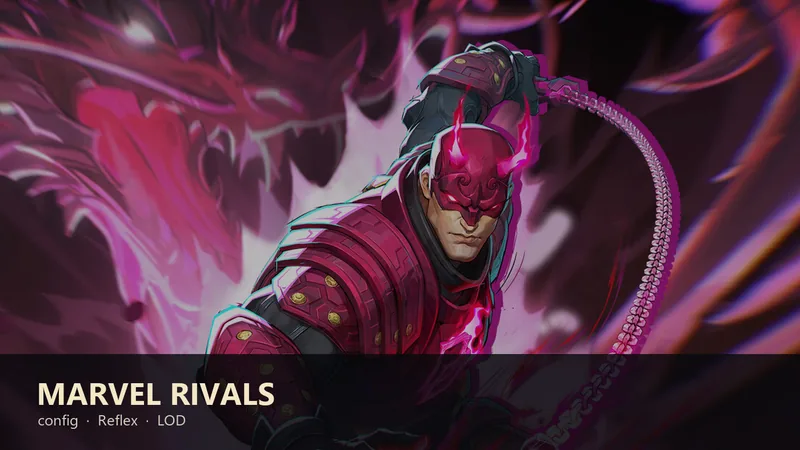 Marvel Rivals: PRO config, Reflex, and LOD BiasIn Marvel Rivals start with Basic: Change Power Plan, Turn off memory compression, and Fullscreen flip mode (FSO) on Legacy. Config, LOD Bias, and window priority are PRO. In-game set Display Mode to Fullscreen and V-Syn
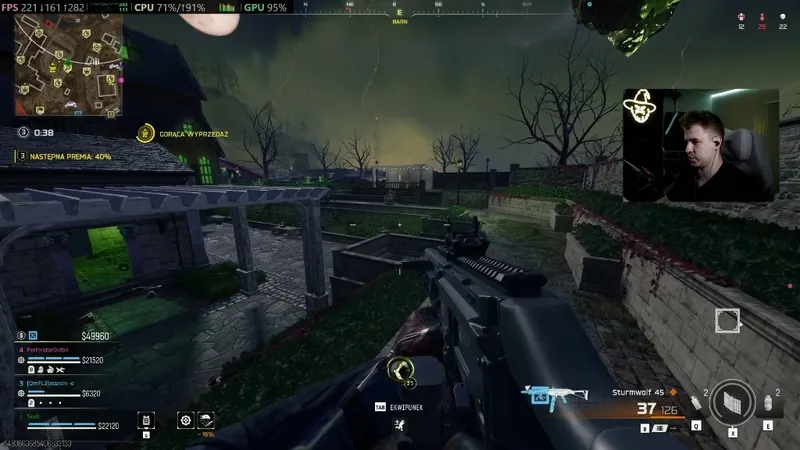 Warzone FPS: PRO config, Legacy Flip, skip LOD BiasIn Warzone start with Basic: Clean temporary files (Temp), Turn off memory compression above 16 GB, and Fullscreen flip mode (FSO) set to Legacy. Config from Optimize Games is PRO and keeps volume and resolution. LOD...
 Valorant FPS: PRO config, Legacy Flip, skip LOD BiasIn Valorant start with Basic: Change Power Plan, Turn off memory compression, and Fullscreen flip mode (FSO) set to Legacy. Config from Optimize Games is PRO: you pick the account folder, and the app keeps crosshair...
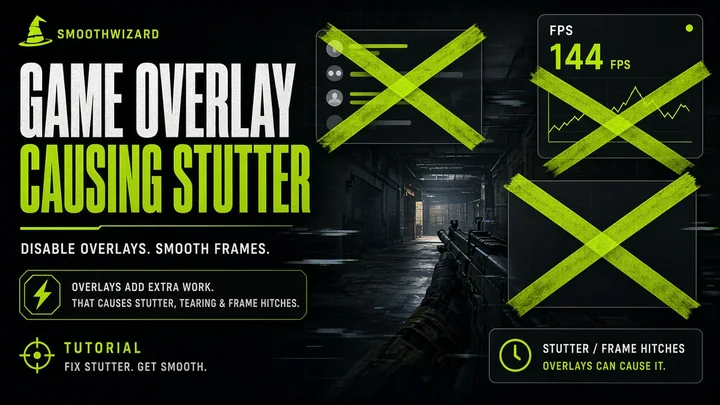 NVIDIA App overlay and Instant Replay vs in-game stutterNVIDIA App (and legacy GeForce Experience) can inject In-Game Overlay and Instant Replay into the frame pipeline. That is separate from the Game Ready driver. Turn overlay and background recording off in NVIDIA App setti
 SmoothWizard vs Razer Cortex: which booster to pickYou searched SmoothWizard vs Razer Cortex. Cortex is Razer's free suite: Game Booster (blocks selected background services and apps on game launch), System Booster, launcher, Game Clips, deals, and Razer Silver. SmoothWi
 How to unlock Roblox FPS without a third-party unlockerSince 30 May 2024, on Windows Roblox you raise the cap in Esc, then Settings, Maximum Frame Rate. Default stays around 60 FPS. Pick a value up to 240. Set Graphics Mode to Manual and drop...
Blog
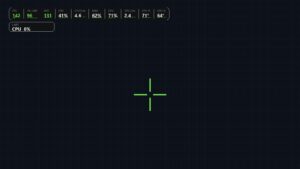 New PRO overlay: FPS, 1% lows, crosshair, and limit chipBasic keeps a plain FPS counter. PRO adds an in-game overlay: 1% lows, a crosshair, and a limit chip. A separate window, with no injection into the game.
 SmoothWizard Loyalty Club – 5% for a friend and Pro pointsSmoothWizard Loyalty Club - 5% for a friend and Pro points 28 August 2026 · Pay · Windows 10/11 x64 The Loyalty Club is live on pay.smoothwizard.com. Sign up and you get a hash code. No...
 How can I free up RAM and improve performance?What Drains RAM? Why Does Your Computer Slow Down, and How Can You Restore Its Performance? Was your computer running smoothly just a short while ago, but now it stutters even while browsing the web? Do...
 How to Disable Unnecessary Background Processes in Windows While Gaming?Background processes in Windows can reduce your computer’s performance while gaming. In this article, you’ll learn how to disable unnecessary processes to increase FPS and improve gameplay smoothness. Additionally, we’ll
 Which Windows Settings Improve Gaming Performance?Learn how to optimize your Windows settings to improve your PC's gaming performance. In this guide, we cover Game Mode, CPU optimization, and RAM management – simple steps to help you achieve higher FPS and smoother...
 Ryzen 7 9800X3D vs 7800X3D: The Power of the New Processor!AMD Ryzen 7 9800X3D vs Ryzen 7 7800X3D: New Generation vs Proven Leader The AMD Ryzen 7 9800X3D is a new generation of processors that sets new performance standards in the computer market. Built on advanced...
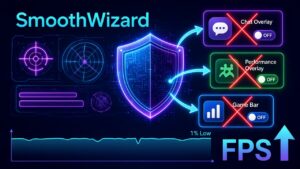 Valorant stutter from overlay and Vanguard – disable orderDiscord, GeForce, Xbox Game Bar, and Vanguard. A disable order when Valorant stutters - no invented FPS, no second booster.