
Frequently asked questions
Short answers to common problems. Every question has its own link you can share.
FAQ
Start
Performance
Guides
 How to increase CS2 FPS on a laptop without a magic boosterOn a laptop CS2 usually dies from battery limits, the integrated GPU, and power saving - not from a missing booster. Play plugged in, assign CS2 to NVIDIA/AMD, use a high-performance plan, and turn overlays off....
 How to run Valorant on a laptop without a magic boosterOn a laptop Valorant usually dies from battery limits, the iGPU, and overlays - not from a missing booster. Play plugged in, set VALORANT.exe to High performance in Windows Graphics, Reflex On (skip + Boost if...
 Fortnite on a laptop: Performance Mode and a charger, not a boosterOn a laptop Fortnite dies from battery limits, iGPU, and heavy DX12 - not from a missing booster. Play plugged in, assign Fortnite.exe to the dGPU, set Rendering Mode to Performance, overlays off. SmoothWizard power plan
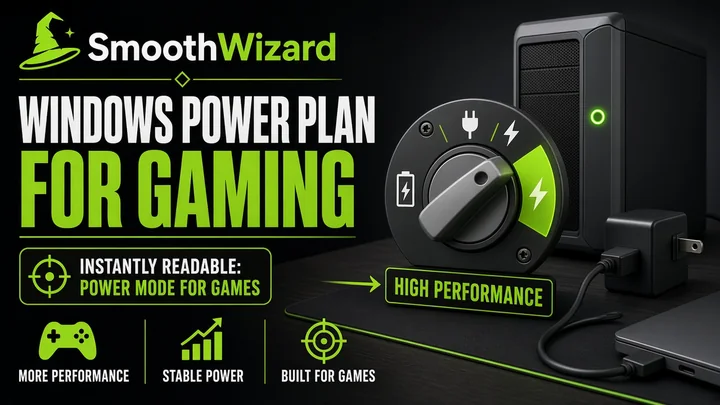 Windows power plan for gaming: High performance or BalancedThe Windows power plan controls how quickly CPU and GPU can raise clocks under load. For gaming on a laptop on AC, you usually pick High performance or Ultimate Performance when it exists. Balanced can be...
Blog
 Do laptop cooling pads really work?
 Frame rate drops on your gaming laptop? How to manage throttling and stabilize your FPS without noisy coolingJak szybko naprawić spadki FPS na laptopie? Laptopy gamingowe oferują ogromną moc w kompaktowej obudowie. Niestety, ograniczona przestrzeń wewnątrz obudowy sprawia, że odprowadzanie ciepła jest dla nich największym wyzwa
 How to Optimize Minecraft on a Low-End Laptop?Are you struggling with low FPS in Minecraft on a low-end laptop? Learn how to improve game performance through simple settings adjustments, modifications, and system optimization. Discover easy ways to enjoy smooth game
 Valorant stutter from overlay and Vanguard – disable orderDiscord, GeForce, Xbox Game Bar, and Vanguard. A disable order when Valorant stutters - no invented FPS, no second booster.
 Pre-rank checklist for fall – before you grab a boosterShaders, overlays, power, one booster. A fall pre-rank checklist in fifteen minutes with no invented FPS and no third optimizer.
 How can I safely clean up Windows?Windows Optimization Guide: How to Debloat Your PC, Remove Bloatware, and Boost Gaming Performance A fresh installation of Windows 10 or Windows 11 contains dozens of unnecessary background applications. In addition, hid